Slide 1 / 6
 🔍 點擊圖片放大觀看
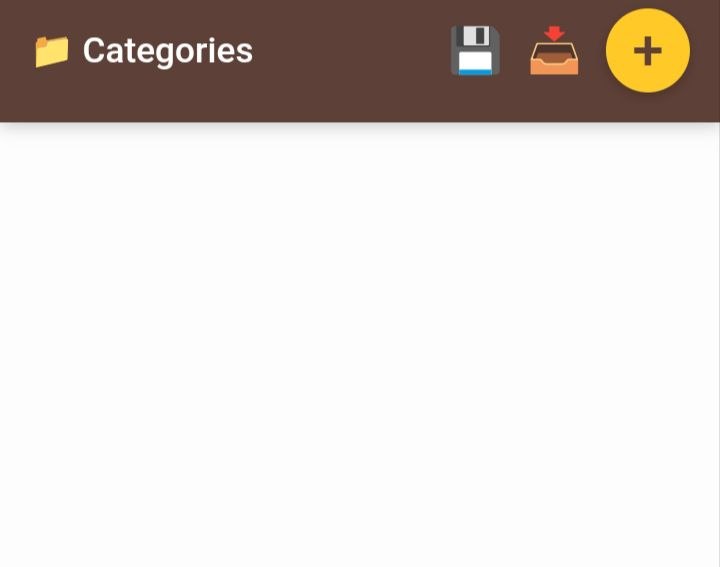
Tap the plus icon to add a category name. Non-VIP users can add up to 3 categories.
Slide 2 / 6
 🔍 點擊圖片放大觀看
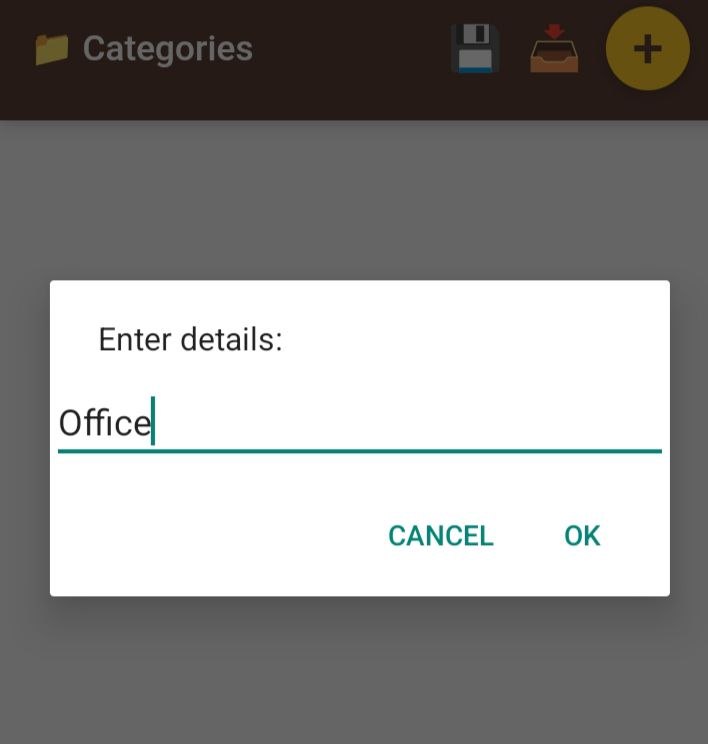
Input a category name, You can tap the save icon to save or the edit icon to edit. You can also long-press a category to reorder.
Slide 3 / 6
 🔍 點擊圖片放大觀看
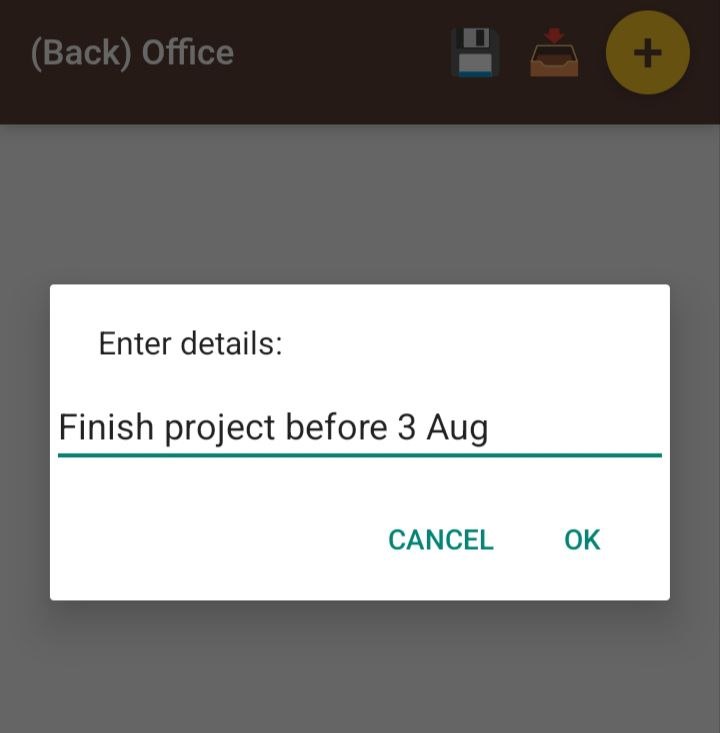
Tap the plus icon again to add a to-do item. Non-VIP users can add up to 5 items. You can tap the save icon to save or the edit icon to edit. You can also long-press an item to reorder.
Slide 4 / 6
 🔍 點擊圖片放大觀看
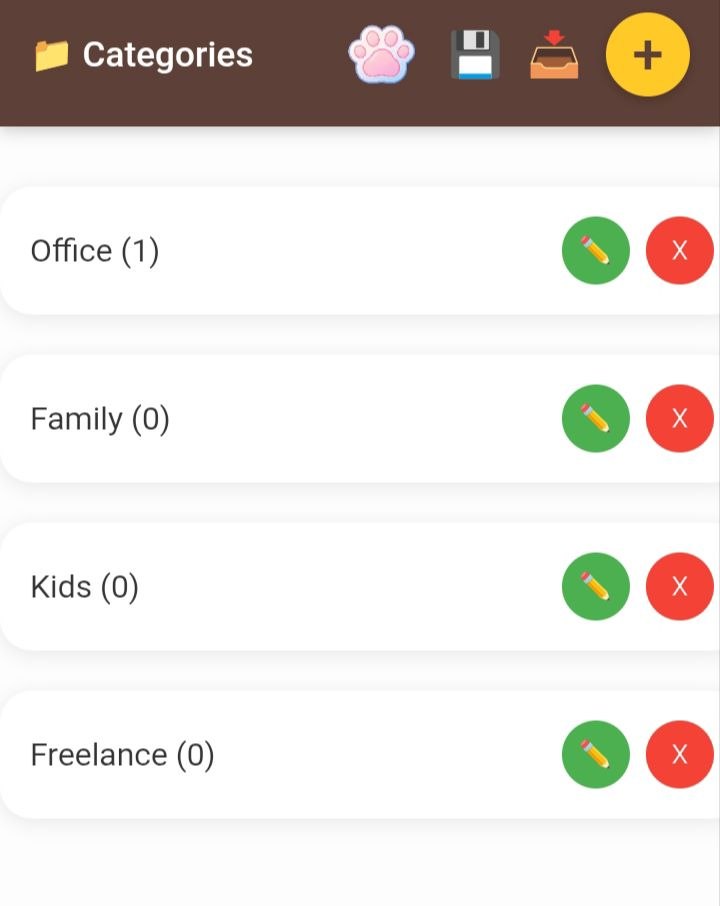
Become a VIP member to unlock the cat paw icon, unlimited categories and to-do items, as well as data backup and restore features.
Slide 5 / 6
 🔍 點擊圖片放大觀看
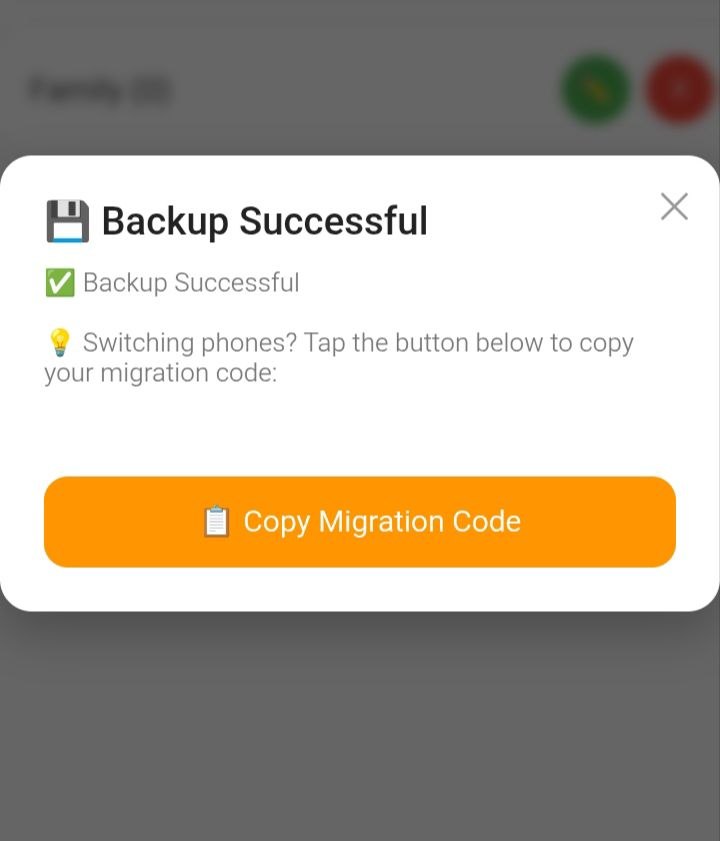
There are two ways to save your data:
Auto Save: Tapping the small floppy disk icon in the top right corner automatically saves your data directly to your phone.
Code Backup: Copying and saving your backup code allows you to restore your data easily when reinstalling the app or moving to a new phone.
Slide 6 / 6
 🔍 點擊圖片放大觀看
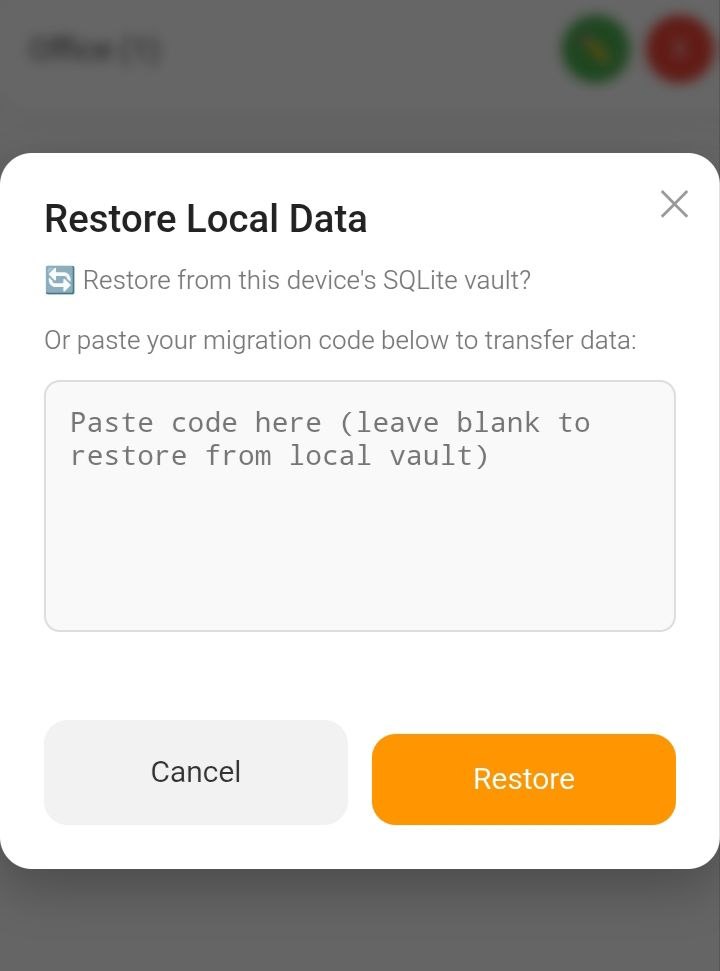
There are two ways to restore your data:
Local Restore: Tapping "Restore" in the top right corner automatically restores the data stored on your phone.
Code Restore: Pasting your backup code allows you to restore your data easily when reinstalling the app or moving to a new phone.
